Subject: Mulan age: approx 4 Classification: cockerspaniel + mystery.. could be a labradoodle pictured here after a haircut. click to load the 3d models.. and then drag to rotate.. scroll to zoom.
So a few days back after my phone got all its updates.. i discovered the "Blur" mode in the camera. This mode basically creates faux depth of field.. or soft focus. I happily started using it without actually realizing what it has been doing all this time. My brain melted when i realised that something that used to take advanced 3d software like 3dsMax and Blender minutes.. even hours to render (few years back anyway) .. google's camera app does it in seconds. First a brief introduction to Depth Maps or as me and most of the 3d modelling community refers to as Z-depth maps
"In 3D computer graphics a depth map is an image or image channel that contains information relating to the distance of the surfaces of scene objects from a viewpoint. The term is related to and may be analogous to depth buffer, Z-buffer, Z-buffering and Z-depth. The "Z" in these latter terms relates to a convention that the central axis of view of a camera is in the direction of the camera's Z axis, and not to the absolute Z axis of a scene."- wikipedia
here are some examples of Z depth maps i rendered for different projects
and heres a detailed video of how to use them to add depth to an image Now back to the Nexus' camera app.. in blur mode you Frame your photo, move the camera (phone) in an upward tilt or motion, and the software captures depth information.. The depth information is stored in the original still itself.. meaning that blur effects can be applied and altered in post-processing.. at any time! So heres a pic of my dog Rumi(scroll down for my other dog Mulan).. and below it the original sharp image and the depth map
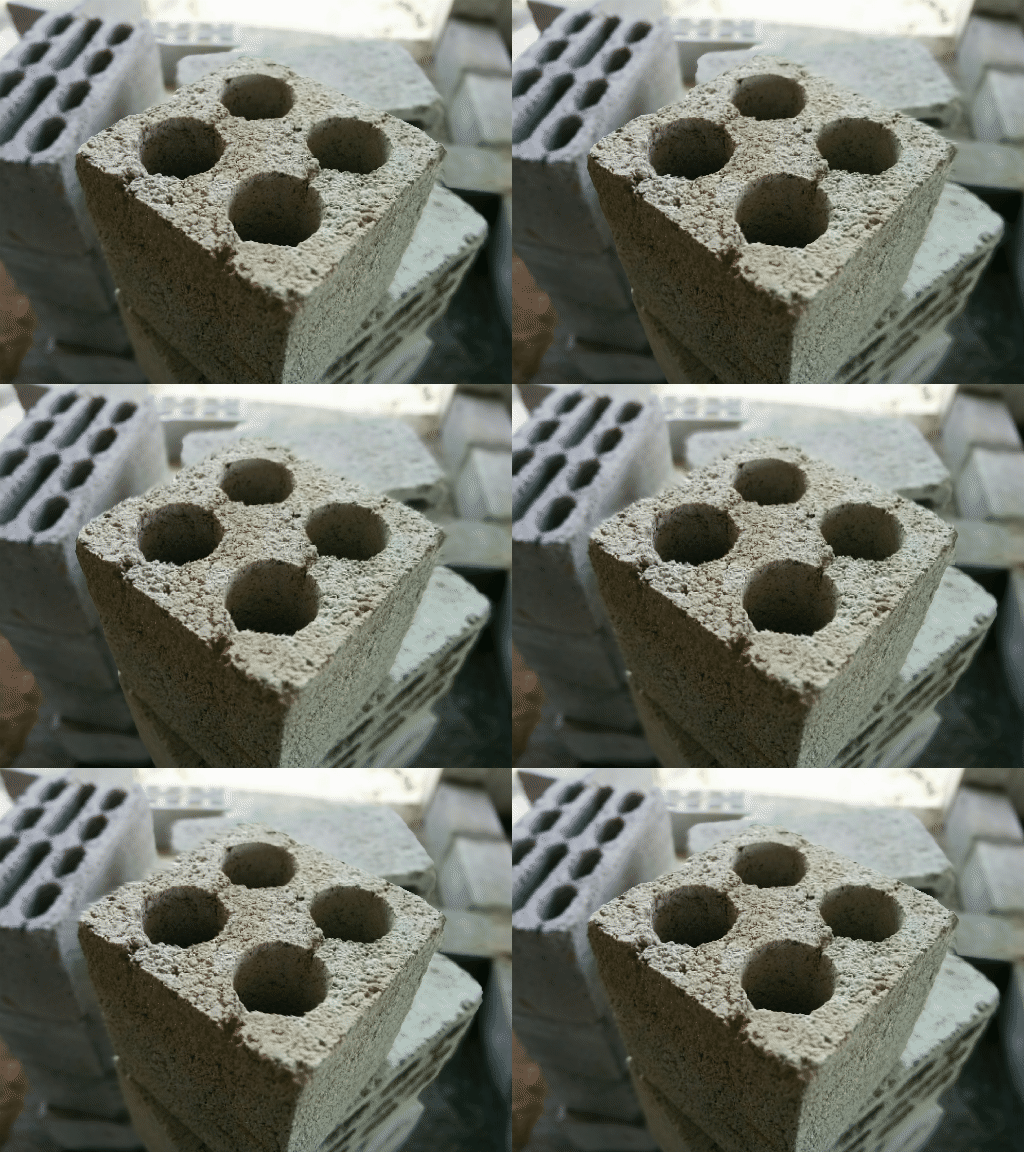
Using a clever website called Depthy( http://depthy.stamina.pl by Rafal Lindemann) that can run on your phone, you can load up your nexus blur images and it lets you see the depth map.. edit it.. re-apply it.. and then it also lets you convert the image into a parallax photo.. which can be saved as a gif or video.. like so
for a detailed tutorial on how to use depthy, visit this page
here are the basics:
1) Use the nexus camera to take a picture in Blur mode
2) Go to depthy.stamina.plon your phone(chrome works.. other modern browsers will too) and upload your image .. once uploaded it lets you touch and drag to see the range of parallax available
3) Use the tools to make adjustments
4) Under the share option, theres actually a few other features like ..
exporting a stereoscopic 3d image(red and blue glasses required)
as well as animated gifs, video etc.. Download whichever you like.. various file sizes will be provided.
5) additionally if you like you can go to the "Image Properties" tab and download the extracted depth map.. coz.. well its pretty interesting looking.
here are some other gifs i created today..
enjoy! UPDATE: As suggested by a friend i decided to try and use the Depth Map to generate a model/mesh heres the result..
UPDATE 2: This camera app is available to most kitkat devices now, here are its requirements • Works on phones and tablets running Android 4.4+ KitKat • Photo Sphere and Panorama require a gyro sensor (not available on Moto G) • Photo Sphere, Panorama, and Lens Blur require at least 1 gigabyte of memory


.gif)